A softer side
of your Mac.
Your desktop gently blurs as you close the lid.
A small detail that feels right at home.
Lifetime access. One payment, no subscription.
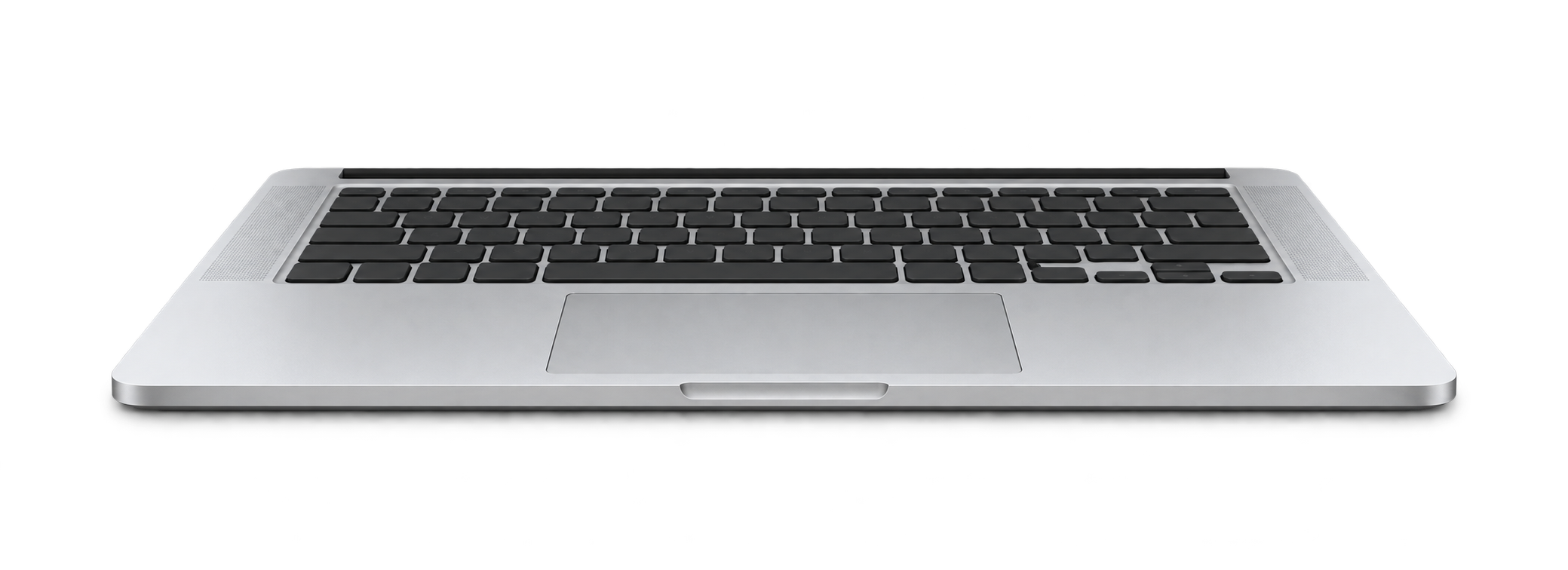
FEELS LIKE IT BELONGS
Less motion.
More feeling.
Your desktop bends with the lid and settles back the moment it opens.
In sync with your lid.
Follows the lid sensor. Nothing to press.
Quietly in your menu bar.
Blur, perspective, shadow. Pause with Escape.
Your desktop stays yours.
Nothing recorded or uploaded.
FoldMyMac on a real MacBook
From where you actually sit. The desktop holds its place as the lid comes down, and snaps back when it opens.
The FoldMyMac settings window

How it works
- Lid sensor
- Reads the hinge angle straight from your MacBook’s built-in sensor. No shortcuts, no guesswork.
- Live desktop
- Captures your screen and bends it in real time with Metal, so windows and wallpaper fold together.
- Three looks
- Silk, Shade or Frost. Tune perspective, blur and shadow, and choose the angle where it clears.
- Menu bar
- Stays out of the way in the menu bar. Pause with a click or Escape.
Requirements
- macOS
- 14 Sonoma or later.
- Hardware
- Apple silicon MacBook with a lid-angle sensor.
- Permission
- Screen Recording, so the desktop can be captured.
Private by design
- On device
- Frames are processed on your Mac. Nothing is recorded, saved or uploaded.
- No account
- Pay once, get the DMG and your license key by email, drag the app to Applications. The key is for one Mac.
Yours to keep.
€14.99 €9.99
Lifetime access. One payment, every update included.
Key and download link by email, right after payment.
Questions? Write to us.
About the app, your licence, a refund — anything. We reply within a day.
Sent. We reply within a day.
A few things to know.
Will it work on my Mac?
FoldMyMac needs macOS 14 Sonoma or later and an Apple silicon MacBook with a lid-angle sensor. The effect has been tested on an M5 MacBook Air. Automatic lid tracking is currently unsupported on the 2020 M1 MacBook Air and M1/M2 13-inch MacBook Pro with Touch Bar. Other Apple silicon MacBooks need a readable lid-angle sensor; the chip alone does not guarantee compatibility. The manual preview works without a sensor. External displays stay unchanged.
How do I get started?
Your download link and licence key arrive by email as soon as the payment goes through. Open the DMG, drag FoldMyMac onto the Applications folder, then paste the key in once on first launch. Open General and enable the desktop effect. Grant Screen Recording permission when macOS asks. The app appears in your menu bar.
This early release is not Developer ID signed or notarized. You can inspect the source and build it in Xcode yourself. If you use the download, macOS may require you to approve it in Privacy & Security.
Why does it need Screen Recording?
The effect uses a live image of your desktop so your wallpaper and windows blur together. Despite the permission’s name, FoldMyMac does not save a recording. It does not capture audio or send screen content anywhere.
Can I change the effect?
Yes. Choose Silk, Shade, or Frost, then adjust perspective, blur, and shadow. Set the lid angle at which your desktop becomes clear. You can also try the animation with a slider in the app.